
RE:Heads, Please! Controls
PC and mobile inputs for flipping, skating, the left shop cart, and every HUD icon.
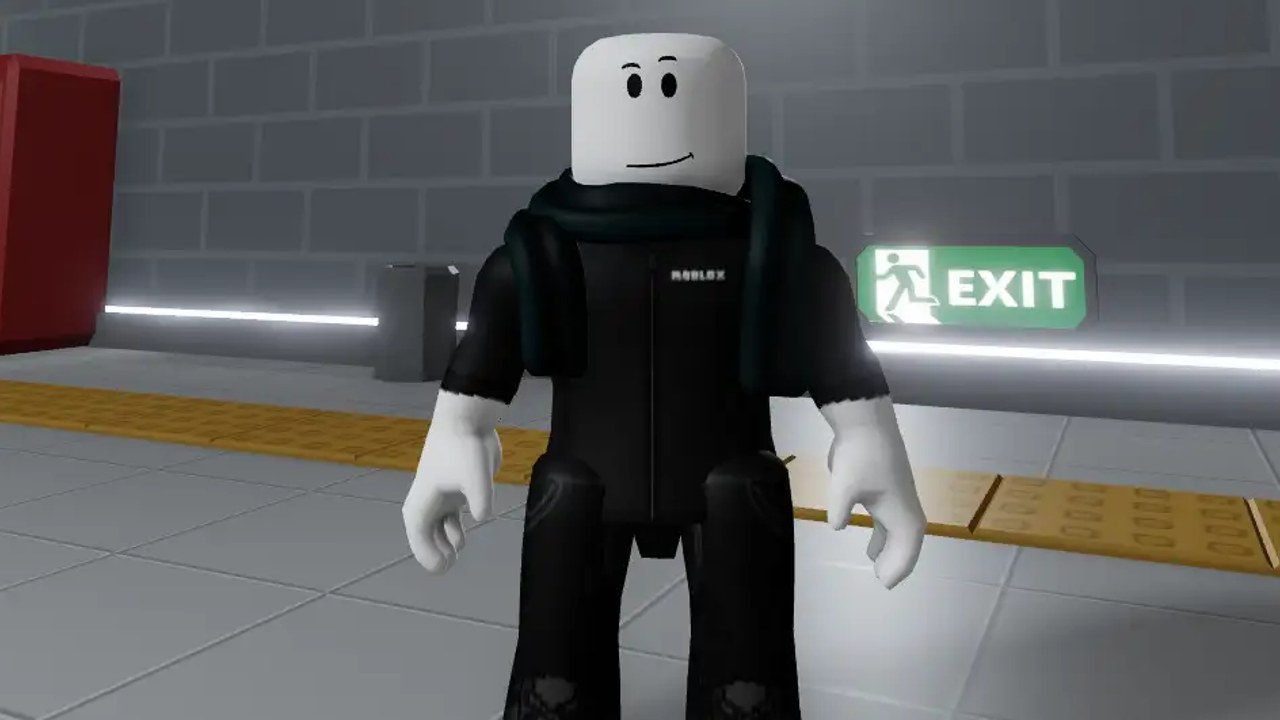
RE:Heads, Please! is a Roblox incremental you play with a short input list. Flip a coin, walk the station, open the left shop, ride a skateboard. The confusion is not the key count. It is where the HUD hid the cart, where Auto Flip sits, and which left-side icon is accessories versus the crate. This page is the input map. For the first-hour order of operations, use Getting Started.
Servers are live. You do not wait for a launch. Join a public instance, let Pancake Station load, and treat the tables below as the whole keyboard.
PC controls
| Action | Input |
|---|---|
| Move | WASD |
| Jump | Space |
| Flip coin | Left click |
| Ride skateboard | Q |
| Skateboard boost | R |
| Camera | Right-click drag / mouse look (Roblox default) |
| Zoom | Mouse wheel |
| Open shop (codes at bottom) | Shop cart icon on the left HUD |
Click-to-flip matches the official description: Coin Flip is Click or Touch. You do not bind a keyboard flip key. If a click opens a panel instead of tossing, a left HUD button still has focus — close it, then click the world.
Q and R are the two keys people miss because the description is short. Q mounts. R boosts while riding. You can still jump with Space on the board. Boost is for tiled platforms and the run from Pancake Station toward Another Station, not a combat roll.
Mobile controls
| Action | Input |
|---|---|
| Move | On-screen joystick |
| Jump | Jump button |
| Flip coin | Tap |
| Ride / boost skateboard | On-screen skate controls |
| Camera | Drag on empty screen |
| Shop and codes | Left HUD cart, then scroll to the bottom |
Tap-to-flip is easy to eat with a camera drag. Tap the coin action, not the sky. If the joystick covers the left icons, rotate the camera so the cart is still hittable. Codes are still at the bottom of the shop, same as PC. There is no separate ticket button on the right.
Thumb layout that works: left thumb on the joystick, right thumb taps to flip, then steal a second to hit Auto Flip on the HUD so you can actually look at the station. Auto Flip is how mobile players explore without sacrificing cash.
HUD: cash, Auto Flip, left icons
Read the HUD left to right the way the UI is stacked, not the way older coin games trained you.
- Cash — your money. Fountain rolls and listed shop prices spend this. Profit per flip is a coin stat, not a HUD multiplier you toggle.
- Auto Flip — sits near cash. Turn it on when you walk, skate, or stand at the Fountain. Turn it off only if you need a clean click to close a menu.
- Coin — the coin bag / equipped coin. Swap here after a Fountain roll. Equipping the new coin is how you stop flipping Penny by accident.
- Accessories — rolls that spend Accessory Tickets. Looks, not profit. Optional Auto Accessory Gacha Speed game pass is 99 Robux if you are dumping a stack of tickets.
- Crate — inventory-style crate UI. Do not confuse it with the shop cart.
- Scroll — Engraving Scrolls and related scroll items (Update 2.5 codes are the clean way to get the first pile). Open this when a guide says to spend a scroll, not when you meant shop.
- Shop cart — left side. Game passes (VIP 399 Robux for +20% MoneyEarn) and the codes box at the bottom. Redeem steps stay on the codes list.
- Gear — settings / extra options. Camera sensitivity and similar toggles live here if the default look is too fast.
New players open the coin bag when they wanted the cart, then claim codes are missing. They are at the bottom of the cart. If Redeem does nothing, you still have a menu eating clicks — close panels, then paste again.
Flip, skate, shop, camera
Flip. Click or tap. That is the entire combat system. Heads is the good face. Tails still exists; you do not cancel a toss. Enchantments such as Flash (flip speed) and Heads (head luck) change the feel of this input. They do not add new buttons. See How to Enchant Coins after you have a keeper coin.
Skate. Q to ride, R to boost on PC. Mobile uses the on-screen skate cluster. You skate to see Pancake Station, the first-floor Fountain, subway-style Another Station, and Ruined Station. Mining at Ruined Station still uses your equipped coin, but rarity does not change mining progress — a control curiosity that saves people from swapping to Calendar just to mine. Full loops: Stations and Skateboard.
Shop. Left cart only. Scroll. Codes. Passes. Close it before you flip or you will click UI forever. Fountain gacha is a world object on Pancake Station’s first floor, not a second shop tab. Coin prices and profit sit on the coin list.
Camera. Roblox default. Wheel zoom on PC, drag on mobile. If the Fountain or an EXIT sign is off-screen, you are zoomed into your avatar. Zoom out once; the station is built to be read at a medium distance. Shift-lock is optional and not required to flip.
Common input mistakes
- Looking for codes on the right. Cart is left, box is bottom.
- Clicking the crate or scroll when you meant the cart.
- Leaving a panel open, then wondering why flip died.
- Never hitting Auto Flip, then blaming Penny’s $10 profit.
- Forgetting Q exists and walking the whole subway on foot.
- Boosting with R while not on the board, then assuming skate is broken.
- Enchanting from the wrong menu before reading enchanting.
Console players use the Roblox touch-or-click equivalent plus the same left HUD. If a controller cannot hit the cart, open the Roblox menu cursor and click the icon. The game is still the same station.
Learn the left stack before you chase Graph or Lock. Most early “the game is broken” reports are a focused shop panel or a Penny that was never swapped after Fountain. Bind the cart and Auto Flip in your head, then go flip.
Frequently Asked Questions
Quick answers for coin flips, codes, and stations.
How do I flip the coin?
Click on PC or tap on mobile. There is no extra flip key. If nothing happens, close the shop cart and other left-HUD panels, then click the world again.
How do I ride the skateboard?
Press Q to ride and R to boost on PC. On mobile, use the on-screen skate controls. Space still jumps. Details on where to ride are in Stations and Skateboard.
Where is the shop and where do I redeem codes?
Shop cart is on the left. Scroll to the bottom for the codes box. Full redeem steps and the live list are on codes.
What does Auto Flip do?
It tosses for you while you walk, skate, or stand at the Fountain. The control sits on the HUD near your cash. It is the intended grind, not a hidden cheat.
What are the left HUD icons?
Coin bag, accessories, crate, scroll, shop cart, and gear. Accessories spend tickets. Scroll is for Engraving Scrolls. Cart is shop plus codes. Gear is settings.
Can I play on mobile?
Yes. Use the on-screen joystick to move, tap to flip, and the skate buttons to ride. Turn on Auto Flip so your thumbs can camera-look without stopping cash.